 Mock Interview Copilot
Interview questions by role
IT support and help desk interview questions
IT support and help desk interviews test whether you can fix common problems methodically and keep users calm while you do it. Expect a troubleshooting walk-through (“a user says they can't get online”), questions about tickets, priorities and escalation, a difficult or non-technical user, and the systems you know, such as Windows, Microsoft 365, Active Directory or mobile devices.
Interviewers care as much about how you ask questions and explain things as about the fix itself. A calm, ordered method beats knowing every answer.
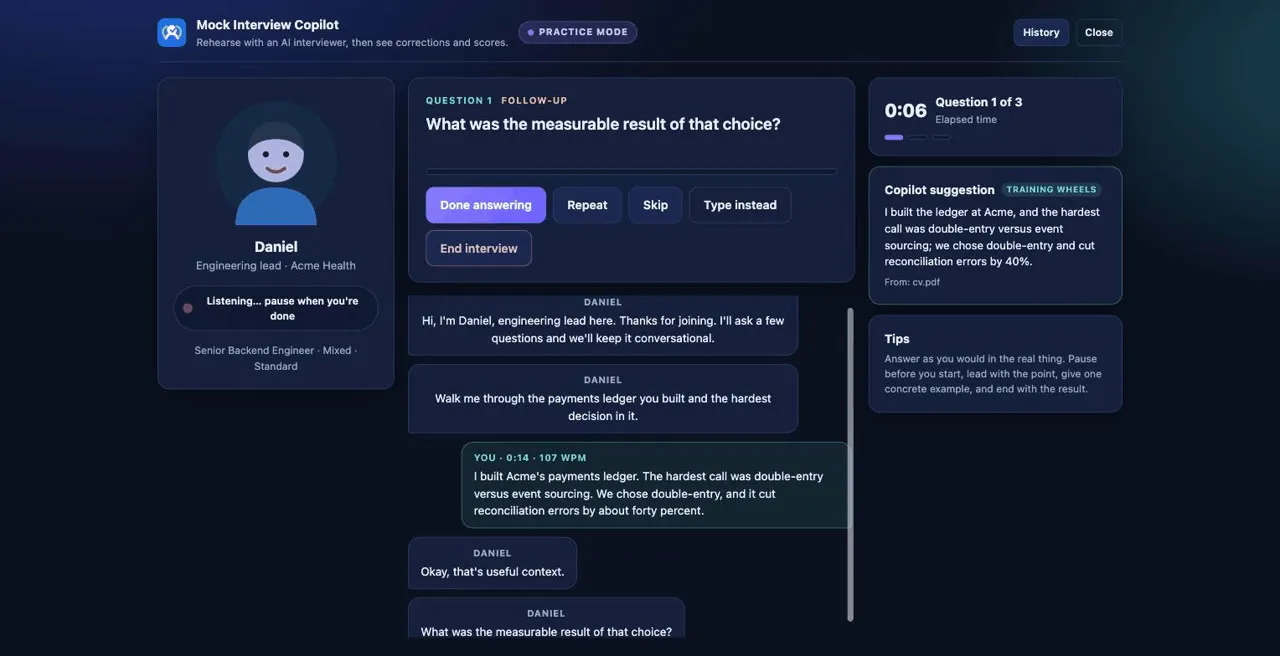
How the interview usually runs
For first-line and service desk roles the process is usually a phone screen, then an interview with the service desk manager or a senior engineer, often with a role-played support call, a short technical quiz or a scenario to talk through. Second-line roles go deeper into Active Directory, networking and scripting. Certifications such as CompTIA A+ are often listed as desirable, but many employers hire on attitude and a clear troubleshooting method.
The troubleshooting question is where interviews are won or lost. Candidates jump to a fix (“I'd reinstall the driver”) instead of showing how they would narrow the problem down: who is affected, what changed, what the user sees and what they have already tried. Saying when you would escalate is part of a good answer, not a sign of weakness.
Many service desks follow ITIL-style practices, so terms like incident, problem and SLA may come up. Knowing what they mean helps.
Common questions and what the interviewer is checking
A user calls to say they can't connect to the internet. Talk me through what you'd do.
What they are checking: An ordered method: is it one user or many, wired or wireless, can they reach anything at all; then cables, Wi-Fi, IP address and DNS in turn, and the point at which you'd escalate to the network team.
A user has forgotten their password and is locked out. What do you do first?
What they are checking: That you verify the caller's identity before resetting anything, follow the reset process, and explain how to avoid it next time. Security comes before speed.
How do you prioritise a queue of tickets?
What they are checking: Impact and urgency: a whole team unable to work comes before one slow laptop; respecting SLAs; and updating people whose tickets will have to wait.
Tell me about a time you dealt with a frustrated or rude user.
What they are checking: Staying calm, listening, acknowledging the effect on their work, setting a realistic expectation and following up, without taking it personally.
How would you explain a technical problem to someone who isn't technical?
What they are checking: Plain language, no jargon, checking they've understood, and focusing on what they need to do next.
What makes a good ticket note?
What they are checking: Symptoms, steps tried, results and next action, written so anyone on the team can pick it up.
Tell me about a problem you couldn't fix. What did you do?
What they are checking: Knowing your limits, escalating with useful information, keeping the user informed, and learning the answer afterwards.
What is the difference between an incident and a problem?
What they are checking: Basic service management: an incident is something broken now that needs restoring; a problem is the underlying cause behind repeated incidents. They want to know you'd spot patterns across tickets.
Which systems have you supported, and how do you keep your skills up to date?
What they are checking: An honest picture of the operating systems, Microsoft 365 or Google Workspace, Active Directory and devices you know, plus real curiosity such as a home lab or a certification in progress.
How to structure a strong answer
For troubleshooting questions, think out loud in the order you'd work on a real call, and mention the user at each stage. For behavioural questions, use STAR with one specific ticket.
- Gather: who is affected, what they see, when it started, what changed and what they've already tried.
- Narrow down: test the simplest likely causes first, changing one thing at a time.
- Fix or work around: get the user working, even temporarily, and confirm with them that it worked.
- Escalate if needed, with a clear note so the next person doesn't start from zero.
- Record and prevent: update the ticket, and flag repeated issues or write a knowledge base article.
Example answer
A user says they can't get online. Talk me through what you'd do.
First I'd ask a few quick questions: is it just them or are colleagues affected, are they on Wi-Fi or a cable, and can they open anything at all, such as an internal site. If several people are affected, I'd log a wider incident and alert the network team straight away.
If it's just them, I'd work from the simplest cause up: Wi-Fi switched off or a loose cable, then whether the laptop has a valid IP address, then whether they can reach a site by IP address but not by name, which points to DNS. On a college help desk, a lecturer once called ten minutes before a class unable to load anything. Her laptop had joined the guest network, which couldn't reach our internal systems. I moved her back to the staff network, waited while she opened her slides, and she started on time.
After three similar calls that week I wrote a short knowledge base article on choosing the right network, and the calls stopped.
Mistakes to avoid
- Jumping straight to a fix (“I'd reinstall it”) without asking the user a single question first.
- Resetting a password or granting access in a scenario without verifying who the caller is.
- Using jargon when the interviewer is playing a non-technical user; they're testing how you talk to staff.
- Saying you'd never need to escalate. Knowing when to hand over is part of the job.
- Forgetting the user entirely: no mention of keeping them updated or confirming the fix worked.
Frequently asked questions
What questions are asked in an IT support interview?
Expect a troubleshooting walk-through, password resets and identity checks, prioritising tickets, a frustrated user, explaining issues simply, ticket notes, a problem you couldn't fix, and the systems you've supported.
Do I need certifications to get a help desk job?
Not always. Entry-level adverts often list CompTIA A+ or similar as desirable rather than essential, and many employers hire on customer skills and a clear troubleshooting method. If you're studying for one, say so and mention what you've learned.
How do I answer IT support questions with no experience?
Use examples from a home lab, college, or fixing family and friends' devices, and show your method: what you asked, what you tried and how you confirmed it worked. Customer service experience counts too.
What is the difference between first-line and second-line support?
First line takes the initial calls, resolves common issues such as password resets, and escalates the rest. Second line handles more complex problems with deeper system access. Structures vary by employer.